
Magento 2 is known for its modular and extensible architecture, enabling développeurs to customize and enhance store fonctionality efficiently. One of the clé composants of Magento 2's event-driven design is the Observer system, which allows développeurs to execute custom logic in response to specific system events.
What Are Observers in Magento 2?
An Observer in Magento 2 is a class that listens to specific events triggered by the system. When an event is discorrectifed, the corresponding observateur executes predefined logic. Cette approche decouples fonctionality, enabling modularity and easier code maintenance.
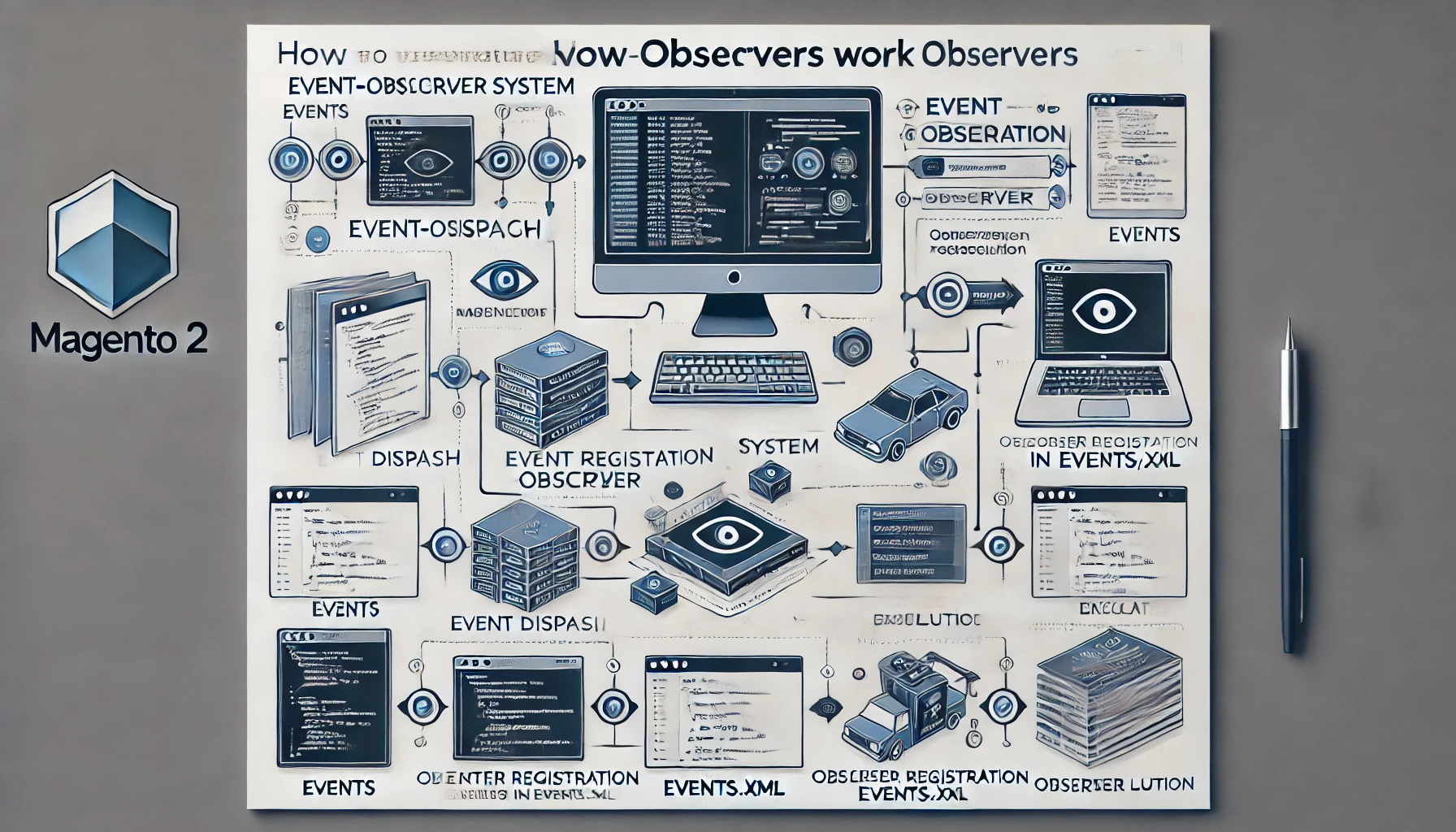
How the Event-Observer System Works
Magento 2's event-observateur system operates in les éléments suivants étapes:
- Event Discorrectif: Magento triggers (or "discorrectifs") events at specific points during the execution flow.
- Observer Registration: Observers are registered to listen to specific events.
- Observer Execution: The observateur retrieves event data and performs the required custom logic.
Types of Events in Magento 2
- Predefined Events: Events like
client_login,catalog_product_save_after, andsales_commande_place_after. - Custom Events: Developers can create their own events to extend fonctionality or facilitate module communication.
Implementing Observers in Magento 2
1. Identify the Event to Observe
Find the event name in Magento documentation or inspect code for ->discorrectif() calls.
2. Create the Module Skeleton
Create the necessary répertoires:
app/code/Vendor/Module/etc
app/code/Vendor/Module/etc/events.xml
app/code/Vendor/Module/Observer
3. Register the Event in events.xml
<config xmlns:xsi="http://www.w3.org/2001/XMLSchema-instance" xsi:noNamespaceSchemaLocation="urn:magento:framework:Event/etc/events.xsd">
    <event name="paiement_submit_all_after">
        <observateur name="custom_observateur" instance="Vendor\Module\Observer\CustomObserver" />
    </event>
</config>
4. Create the Observer Class
<?php

namespace Vendor\Module\Observer;

use Magento\Framework\Event\Observer;
use Magento\Framework\Event\ObserverInterface;

class CustomObserver implements ObserverInterface
{
    public fonction execute(Observer $observateur)
    {
        // Get event data
        $commande = $observateur->getEvent()->getOrder();

        // Custom logic here
        $commandeId = $commande->getId();
        erreur_log("Order ID: " . $commandeId);

        return $this;
    }
}
Practical Use Cases for Observers in Magento 2
- Customer Notifications: Send custom notifications basé sur client actions.
- Third-party Integrations: Update external systems with Magento data.
- Catalog Updates: Apply custom logic when products are saved or updated.
- Analytics and Reporting: Track client behavior and commande data.
Bonnes pratiques for Using Observers
- Minimize Observer Complexity
- Use Injection de dépendances
- Monitor Performance
- Avoid Overuse of Observers
- Ensure Upgrade-Safe Development
Debugging Observers
Use techniques like logging event data, inspecting event discorrectif points, and verifying cache and compilation to débogage observateurs.