
Comment fonctionne le cron dans Magento 2
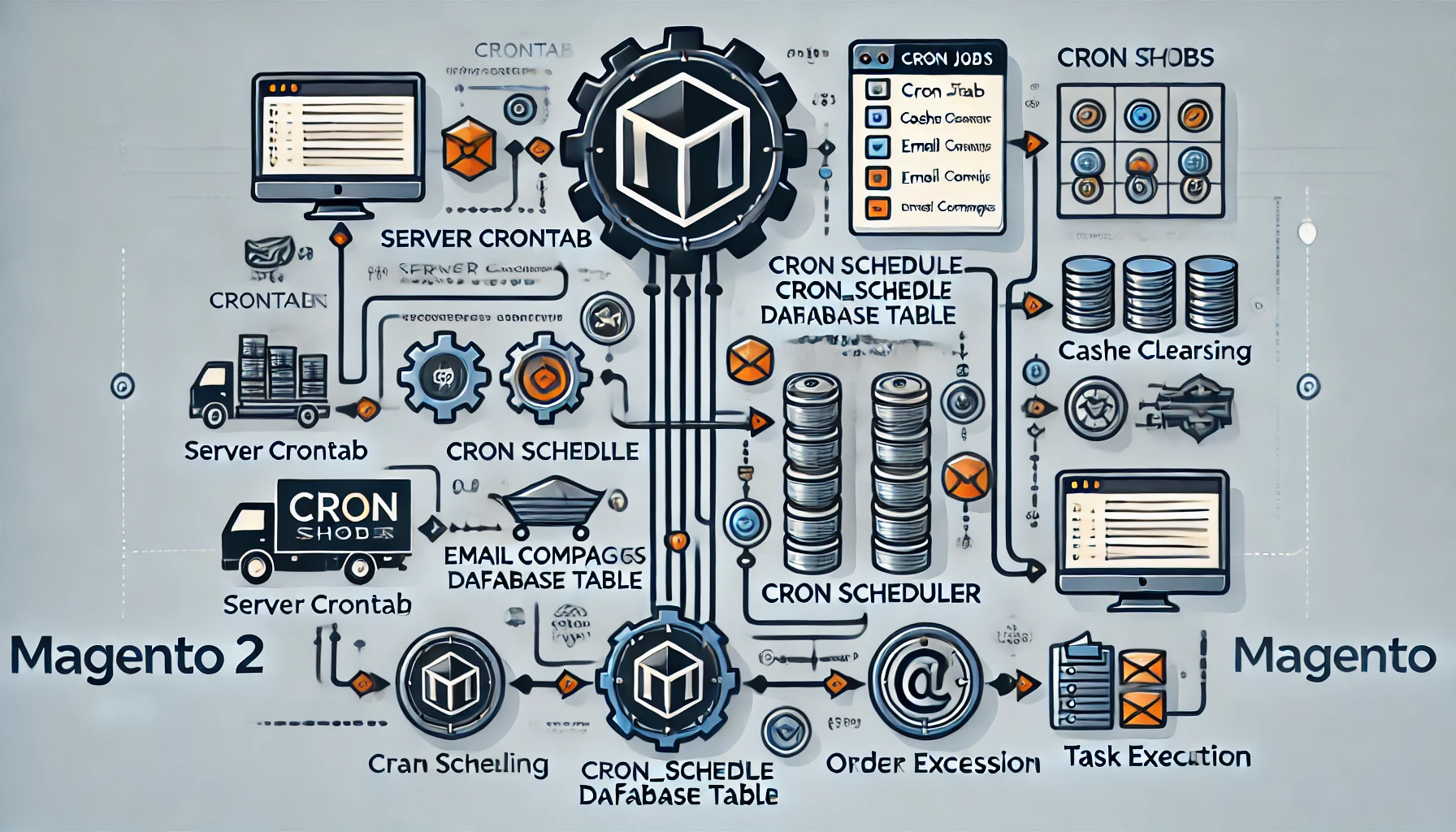
Magento 2, a robust eCommerce platform, offers powerful tools for automating repetitive tasks essential for running a successful online store. At the heart of this automation lies tâches cron, a Unix-based fonctionnalité integrated into Magento 2 to schedule tasks like réindexeration, sending e-mails, updating inventaire, or running custom scripts. Understanding how cron works in Magento 2 is crucial for développeurs and store administrators to optimize site performance and automate flux de travails efficiently.
This blog post provides a comprehensive look into how cron operates within Magento 2, including its configuration, implémentation, and dépannage.
What is Cron?
Cron is a time-based job scheduler in Unix-like openote systems. It automates the execution of tasks (or scripts) at specified intervals, defined by cron expressions. Magento 2 leverages tâches cron to automate essential tasks like:
- Genenote sitemaps
- Cleaning logs
- Running e-mail campaigns
- Updating currency rates
- Processing commandes (e.g., factures, expéditions)
Dans Magento 2, cron is an integral part of the back-office architecture, enabling the smooth operation of both core fonctionalities and custom modules.
The Role of Cron in Magento 2
Magento 2’s cron system ensures that various operations run as scheduled. Some exemples include:
-
System Tasks:
- Cache clearing
- Index management
- Log cleaning
-
Store Operations:
- Order processing (e.g., sending confirmation e-mails)
- Catalog prix rules updates
- Automated backups
-
Third-party Integrations:
Extensions or custom modules often use tâches cron to synchronize data with tiers services, tel que CRMs or passerelle de paiements.
These operations rely on the Magento 2 cron framework to execute scripts at predefined intervals, ensuring reliability and efficiency.
How Magento 2 Implements Cron
Magento 2 uses a modular approche to cron, where tasks are defined within specific modules. Below is a étape-by-étape explanation of how tâches cron work in Magento 2:
1. Magento 2 Cron Workflow
Magento 2 tâches cron follow this lifecycle:
-
Cron Expression Setup
Thecronexpressions define when and how frequently a cron task will run. These expressions are defined in thecrontabfichier on the server. -
Magento Cron Management
Magento 2 organizes cron tasks usingcron_groupsandcron_schedule. Tasks are registered within individual module fichier de configurations. -
Task Execution
Cron tasks are executed sequentially basé sur their schedule. Magento uses itscron_scheduletable to manage and track these jobs.
2. Configuring Cron in Magento 2
Magento 2 tâches cron are primarily configured in two locations:
- System crontab fichier: The system-level configuration ensures Magento 2 runs scheduled tasks.
- Module-level XML fichiers: Developers define specific cron tasks within the module’s
crontab.xmlfichier.
A. System-Level Cron Job Configuration
To enable tâches cron in Magento 2, the system crontab fichier must include Magento's cron script. Use les éléments suivants étapes:
-
Open the server terminal and edit the crontab fichier:
-
Add the Magento tâche cron entry:
This configuration ensures Magento’s cron scheduler runs every minute, processing scheduled tasks efficiently.
B. Module-Level Cron Job Configuration
Developers use the crontab.xml fichier to register tâches cron in their custom modules. Ce fichier resides in the module’s etc répertoire:
Here’s what each element means:
- group: Defines the cron group. The default group is
default. - job: Registers the tâche cron. It includes:
name: A unique identifier for the task.instance: The class handling the cron logic.method: The méthode to execute when the cron runs.
- schedule: Specifies the frequency using a cron expression (e.g.,
* * * * *for every minute).
3. Writing the Cron Job Logic
Create the PHP class to define the logic for the cron task. For ci-dessus exemple:
4. Verifying and Testing Cron Jobs
Après configuration, verify that the tâches cron are set up correctly:
-
Check Cron Status
Run les éléments suivants command:This executes the cron schedule manually.
-
View Scheduled Tasks
Magento stores tâches cron in thecron_scheduletable. Use les éléments suivants SQL query to inspect the jobs: -
Logs
Check Magento’s cron logs in thevar/logrépertoire for any erreurs or status updates.
Bonnes pratiques for Cron Jobs in Magento 2
-
Use Proper Scheduling
Avoid overlapping tasks by spacing out tâches cron. Overlapping can cause performance problèmes. -
Limit Task Complexity
Keep tâche cron logic simple to prevent timeouts or erreurs during execution. For heavy tasks, consider breaking them into smaller subtasks. -
Enable Cron Logging
Enable detailed logging for easier dépannage. -
Monitor Server Load
Cron jobs can strain server resources, so ensure your server capacity matches the workload.
Problèmes courants and Dépannage
-
Cron Not Running
Ensure the system crontab fichier is correctly configured and that the cron daemon is running on the server. -
Missing Cron Entries
Check ifcrontab.xmlis properly formatted and clear the Magento cache after any changes: -
Failed Cron Jobs
Inspect thecron_scheduletable orvar/log/magento.cron.logfichier for erreur details.
Conclusion
Cron jobs in Magento 2 play a vital role in automating tasks and ensuring the smooth operation of your eCommerce store. By understanding how cron works and following bonnes pratiques, you can streamline operations, reduce manual effort, and improve performance. Whether you’re configuring out-of-the-box fonctionality or integnote custom modules, mastering Magento 2’s cron framework is an invaluable skill for développeurs and administrators alike.
By keeping your tâches cron optimized and monitoring their performance regularly, you can ensure your Magento 2 store runs efficiently and scales effectively with your entreprise needs.